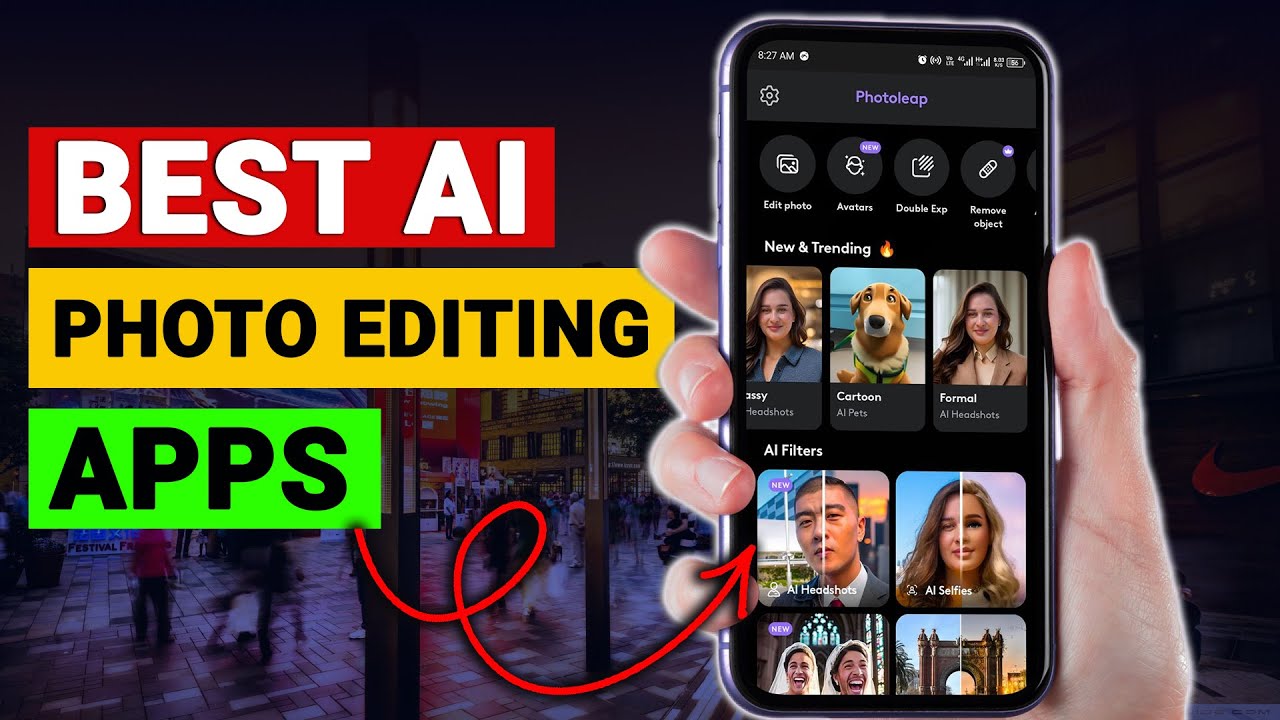

In today’s digital world, stunning photos are no longer reserved for professional photographers. Thanks to powerful artificial intelligence tools, anyone can transform ordinary pictures into eye-catching masterpieces within seconds. Whether you are a content creator, Instagram enthusiast, blogger, or business owner, using the right AI tools can completely change your editing game.
If you’re searching for the best AI Photo Editing Apps You Should Try, this detailed guide will help you discover top-performing apps, their features, and how they can elevate your creativity in 2026.
Let’s dive in.
Why AI Photo Editing Is the Future
Traditional photo editing used to require hours of manual adjustments in complex software like Adobe Photoshop. Today, AI-powered apps automatically enhance lighting, remove backgrounds, smooth skin, sharpen details, and even generate creative effects — all with one tap.
Here’s why AI photo editors are becoming popular:
- Save time with automatic adjustments
- Professional-quality results without skills
- Smart background removal
- Face retouching with natural results
- AI-generated artistic filters
- One-click object removal
That’s exactly why exploring the best AI Photo Editing Apps You Should Try is worth your time.
1. Remini – Best for Enhancing Old & Blurry Photos
If you have old family photos or blurry selfies, Remini is a must-try app. It uses advanced AI technology to restore details, sharpen faces, and improve image quality.
Key Features:
- AI photo enhancement
- Face detail restoration
- Old photo repair
- One-tap improvements
Remini is especially popular among users who want to restore childhood memories or upgrade low-resolution images for social media.
For anyone looking for simple yet powerful AI Photo Editing Apps You Should Try, Remini deserves a top spot.
2. Lensa – Best for AI Avatars & Portrait Editing
Lensa gained massive popularity because of its AI-generated avatars. But it’s more than just that.
Why Lensa Stands Out:
- AI skin retouching
- Background blur adjustment
- Magic correction tool
- AI artistic avatar creation
Creators love Lensa because it enhances selfies without making them look fake or over-edited.
If portrait perfection is your goal, Lensa is definitely one of the AI Photo Editing Apps You Should Try this year.
3. Canva – Best All-in-One AI Editor for Beginners
Most people know Canva for graphic design, but its AI photo editing tools have become incredibly powerful.
AI Tools Inside Canva:
- Background remover
- Magic Eraser
- AI image enhancer
- Text-to-image generator
- One-click filters
Canva is perfect for bloggers, YouTubers, and small businesses. You can edit photos and design posts in one place.
For website owners like you running content platforms such as leezup.com, Canva can be a game-changer.
4. Snapseed – AI Control with Manual Precision
Snapseed, developed by Google, combines smart AI tools with professional manual adjustments.
Why Try Snapseed:
- Selective editing
- Smart HDR
- Healing tool
- Professional-level controls
It’s ideal for users who want more control while still benefiting from AI automation.
Snapseed is among the most practical AI Photo Editing Apps You Should Try if you want advanced results without complicated software.
5. PicsArt – Best for Creative Effects & AI Filters
PicsArt is famous for its creative filters, stickers, and artistic effects. But now it includes powerful AI editing features too.
Top AI Features:
- AI background generation
- Object removal
- AI image expansion
- Cartoon and art filters
If you enjoy experimenting with creative content for platforms like Instagram or TikTok, PicsArt is worth trying.
6. PhotoRoom – Best for E-commerce & Product Photos
If you sell products online, PhotoRoom can instantly remove backgrounds and create clean product images.
Why Businesses Love It:
- Instant background removal
- AI shadow effects
- Batch editing
- Ready-made templates
For small online sellers and digital entrepreneurs, this is one of the smartest AI Photo Editing Apps You Should Try in 2026.
7. Fotor – Easy AI Editing for Everyone
Fotor is beginner-friendly but surprisingly powerful.
AI Tools Include:
- One-click enhancement
- AI art generator
- Portrait retouch
- Background remover
It works on both mobile and web, making it flexible for creators who switch between devices.
How to Choose the Right AI Photo Editing App
Not every app is suitable for every user. Here’s how you can decide:
1. For Social Media Creators
Go with Lensa, PicsArt, or Canva.
2. For Business & E-commerce
Choose PhotoRoom.
3. For Restoring Old Photos
Remini is your best option.
4. For Advanced Control
Snapseed offers professional flexibility.
When exploring AI Photo Editing Apps You Should Try, focus on your goal first.
Benefits of Using AI Photo Editing Apps
Let’s understand why AI editing tools are trending worldwide:
Time-Saving
AI automates complex adjustments instantly.
Professional Results
Even beginners can create magazine-quality images.
Cost-Effective
No need to hire professional editors.
Smart Automation
AI detects faces, objects, and backgrounds automatically.
Creativity Boost
AI art generators help create unique visuals.
This is why millions of users are switching to modern AI editing apps instead of traditional software.
Are AI Photo Editing Apps Safe?
Most popular apps follow standard privacy policies. However:
- Always download from official app stores
- Check user reviews
- Avoid giving unnecessary permissions
- Read privacy terms
Apps like Canva, Snapseed, and PicsArt are widely trusted and regularly updated.
Free vs Paid AI Photo Editing Apps
Many AI Photo Editing Apps You Should Try offer free versions, but premium plans unlock advanced tools.
Free Version Usually Includes:
- Basic filters
- Limited exports
- Watermarked images
Paid Version Offers:
- HD exports
- No watermark
- Full AI tools
- Batch processing
If you’re serious about content creation or online business, premium plans are worth considering.
Future of AI in Photo Editing (2026 & Beyond)
AI technology is evolving rapidly. Soon, we can expect:
- Real-time AI video editing
- Advanced face swapping
- AI-powered 3D image generation
- Fully automated content creation
Photo editing will become even more automated and accessible.
That’s why staying updated with the latest AI Photo Editing Apps You Should Try will keep you ahead of the competition.
Final Thoughts
AI photo editing is no longer just a trend — it’s the future of digital creativity. Whether you want to enhance selfies, design social media posts, restore old memories, or create product images, AI tools make everything easier and faster.
To summarize, here are the top AI Photo Editing Apps You Should Try in 2026:
- Remini – Best for photo restoration
- Lensa – Best for portraits
- Canva – Best all-in-one editor
- Snapseed – Best manual control
- PicsArt – Best creative filters
- PhotoRoom – Best for product images
- Fotor – Best beginner-friendly option
Start experimenting with one or two apps today and see how dramatically they improve your photos.
For more smart AI tools, digital guides, and trending tech updates, keep visiting leezup.com — where simple explanations meet powerful technology.