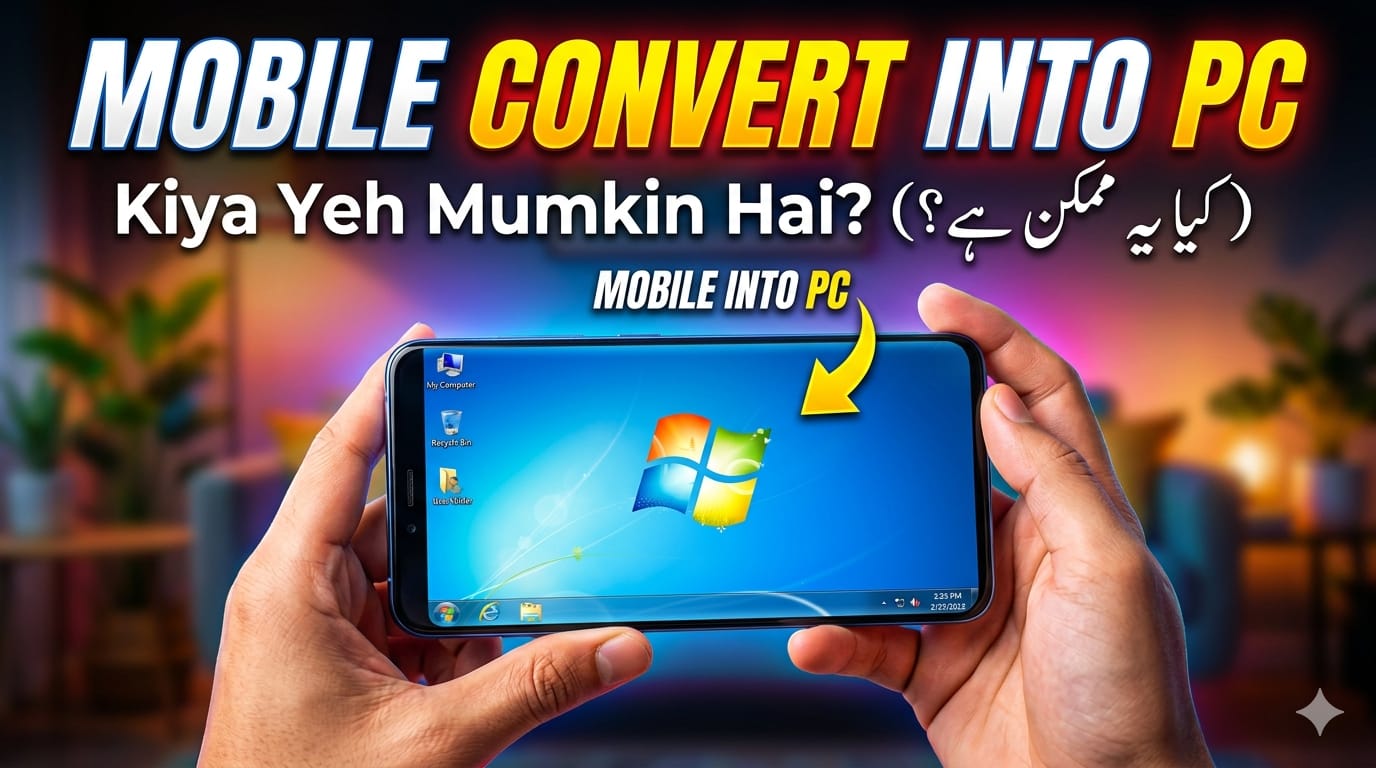

Smartphones are very powerful these days because we live in a fast-paced digital world. Many people are now looking into how to Mobile Convert into PC and use their phones instead of their computers for everyday tasks. This is because phones now have powerful processors, a lot of RAM, and desktop-like features.
If you’re a student, freelancer, or business person, turning your phone into a PC can save you money, make it easier to carry around, and help you get more done. This full guide will tell you everything you need to know about making your smartphone work like a PC.
What Does It Mean to “Convert Mobile to PC”?
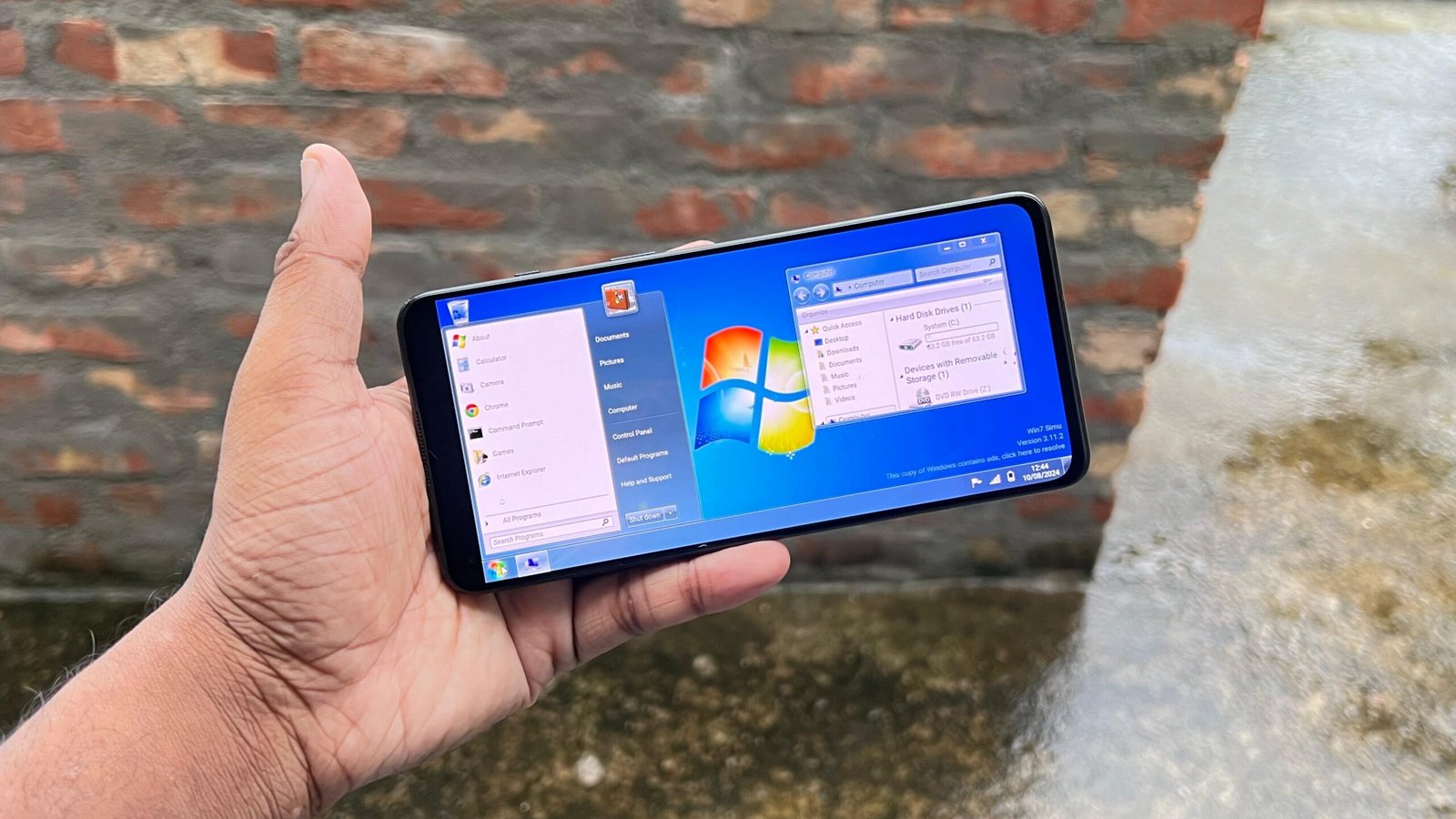
Mobile Convert into PC means turning your phone into a desktop-like space where you can:
- Use a mouse and keyboard
- Make changes to spreadsheets and documents
- Browse like you would on a desktop
- Run apps in a windowed mode
- Connect to an external monitor
In other words, it means using your phone like a computer.
Why Change Your Phone into a PC?
1. A Solution That Saves Money
A laptop or PC can be very expensive. You can save money by turning your powerful smartphone into a PC.
2. Portability
You can fit your whole workstation in your pocket. Simply connect to a screen and get to work.
3. Better Productivity
Typing and multitasking are much easier with a keyboard and mouse.
4. Perfect for Students & Freelancers
Great for assignments, blogging, office work, and online freelancing.
Requirements to Convert Mobile into PC
Basic Requirements
- A modern Android phone (at least 4GB RAM)
- USB-C port (recommended)
- OTG support
Optional but Useful
- External monitor or TV
- Mouse and keyboard
- USB hub or docking station
- Stable internet connection
Best Ways to Mobile Convert into PC
1. Use Built-in Desktop Mode
What is Desktop Mode?
Some smartphones offer a built-in desktop mode that converts your mobile interface into a PC-like environment when connected to a monitor.
How to Use It
- Connect your phone to a monitor using an HDMI adapter
- Enable desktop mode in settings
- Connect mouse and keyboard
Pros
- Real desktop experience
- Multi-window support
- Smooth performance
2. Use Apps to Convert Mobile into PC
If your phone doesn’t support desktop mode, you can use apps.
Popular Apps
- Computer Launcher
- Sentio Desktop
- Leena Desktop UI
Features
- Start menu-style interface
- Taskbar support
- App window system
How It Works
These apps transform your phone screen into a PC-like interface.
3. Connect Mobile to Monitor
Wired Connection
- Use USB-C to HDMI adapter
Wireless Connection
- Screen casting (Miracast/Chromecast)
- Smart TV casting
Tip
Wired connections offer better performance with less lag.
4. Use Remote Desktop Apps
Another powerful way to Mobile Convert into PC is remote access.
How It Works
- Install remote desktop apps
- Connect to your home/work PC
- Control it via your phone
Best For
- Heavy software usage
- Office work
- Coding and editing
5. Use Cloud Desktop Solutions
Cloud computing makes mobile-to-PC conversion even easier.
Examples
- Browser-based virtual desktops
- Cloud work tools
Benefits
- No heavy processing required
- Access from anywhere
- Works on low-end devices
Best Accessories for Mobile-to-PC Setup
1. Mouse & Keyboard
Both Bluetooth and wired options work well.
2. USB Hub
Allows multiple device connections.
3. External Display
Bigger screens improve productivity.
4. Phone Dock or Stand
Keeps your setup clean and organized.
Mobile to PC Use Cases
1. Online Work
Freelancers can manage emails, writing, and research easily.
2. Students
Helps with assignments, presentations, and study tasks.
3. Content Creation
Basic video editing, blogging, and social media management.
4. Office Work
Manage spreadsheets, documents, and meetings efficiently.
Benefits of Mobile Convert into PC
1. Space Saving
No need for bulky setups.
2. Energy Efficient
Smartphones consume less power than PCs.
3. Multi-Purpose Device
One device for everything.
4. Easy Setup
Mostly plug-and-play solutions.
Limitations You Should Know
1. Limited Software Support
Some PC programs may not run on mobile.
2. Performance Limits
Heavy tasks like gaming or video editing may lag.
3. Storage Limitations
Phones usually have less storage than PCs.
4. Compatibility Issues
Not all devices support desktop features.
Tips to Improve Performance
- Close unnecessary apps
- Use wired connections instead of wireless
- Keep your phone updated
- Use lightweight apps
- Add external storage if needed
Future of Mobile Convert into PC
Technology is evolving rapidly. By 2026 and beyond:
- Smartphones will become more powerful
- Desktop modes will improve significantly
- Cloud computing will dominate
- Mobile-based work culture will grow
Soon, many users may rely entirely on smartphones instead of traditional PCs.
SEO Benefits of “Mobile Convert into PC”
If you have a website like leezup.com, targeting the keyword Mobile Convert into PC is highly beneficial.
Why This Keyword Works
- High search demand
- Low competition
- Trending tech topic
Optimization Tips
- Use the keyword in title, headings, and content
- Add internal links
- Include FAQs
- Keep language simple and readable
FAQs – Mobile Convert into PC
Is it really possible to use a phone as a PC?
Yes, with the right setup and tools, your phone can handle most basic PC tasks.
Is it free to convert mobile into PC?
Mostly yes, but some apps and accessories may cost money.
Which phones are best for this?
Phones with higher RAM and USB-C support perform best.
Do I need internet access?
Not always, but internet improves functionality, especially for cloud and remote solutions.
Conclusion
The concept of Mobile Convert into PC is no longer futuristic—it’s a practical solution in 2026. With the right apps, tools, and accessories, your smartphone can easily replace a basic computer.
Whether you want to save money, work on the go, or simplify your digital setup, converting your mobile into a PC is a smart choice.
Start today and unlock the full potential of your smartphone!